How Can I Fix Poor VoIP Call Quality on My Business Phones?
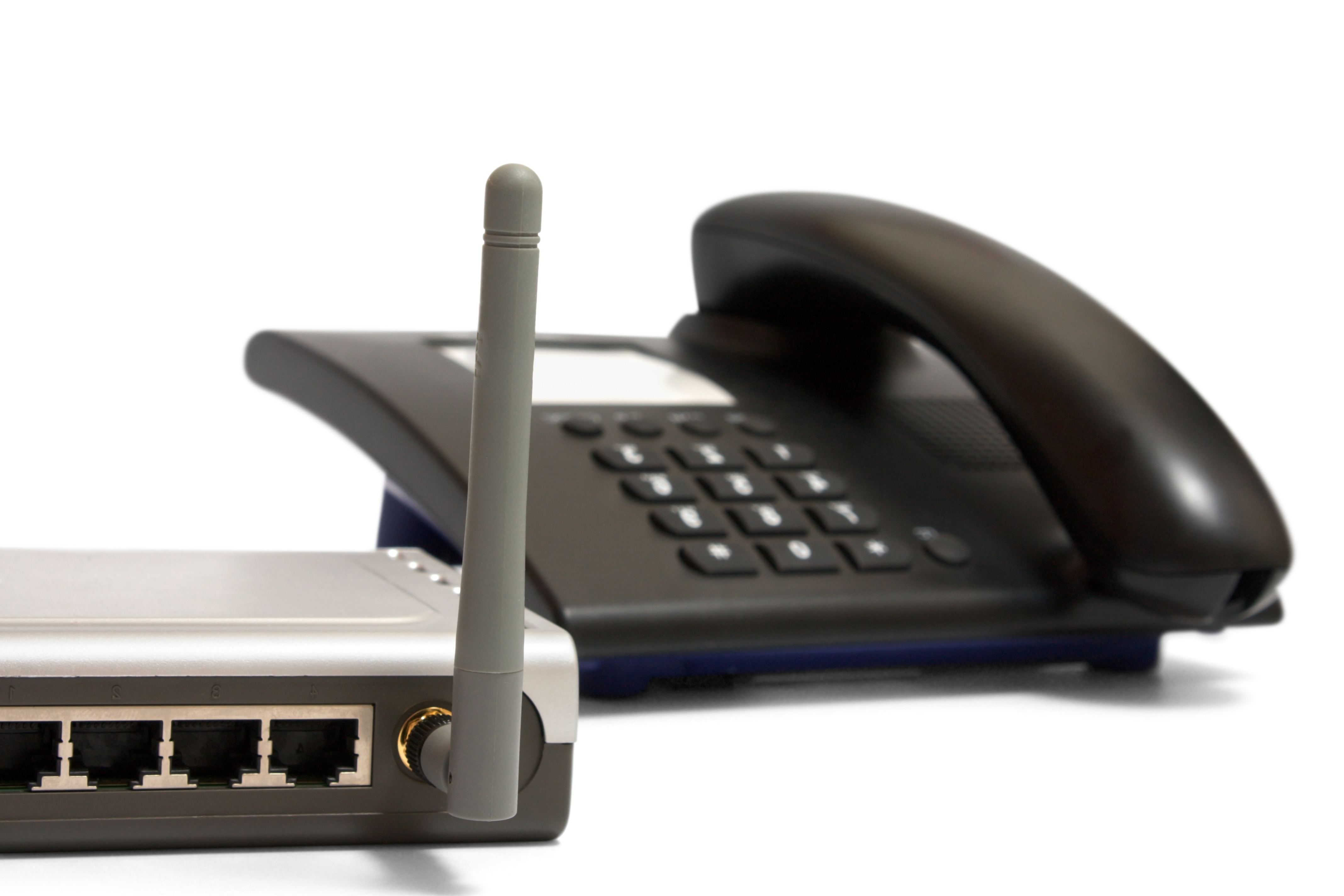
VoIP delivers real cost efficiency, richer call features, and remote-work flexibility — but clear calls are what make all of that worth having. Consumers often associate a garbled voice or dropped audio with spam callers outright: nearly two-thirds of people say they'll hang up immediately on poor call quality just to avoid a suspected spam call, costing sales opportunities and frustrating customers who had a legitimate reason to call.
Poor VoIP call quality generally traces back to one of three causes: system setup problems, packet delivery issues, or side effects of security and spam-prevention measures.
Setup problems: shared multitenant and configuration
Shared multitenant VoIP platforms experience "traffic jams" during call spikes that noticeably reduce quality; switching to a private setup fixes this but costs two to three times as much upfront, plus ongoing audit costs. Configuration issues are the other common culprit — physical interference from walls or metal can add 50-100ms of jitter against a recommended ceiling of about 30ms, and mismatches between systems can cause one-way audio or dropped calls that are often only detectable through continuous MOS-trend logging.
Packet loss
Voice travels over VoIP as data packets, and packet loss has an outsized impact: 1-3% loss causes clipped words, and anything over 5% renders calls unintelligible, since a missed voice packet can't be resent the way an email can. Double-router setups often cause dropped outbound packets, and outdated firmware is a frequent source of UDP timeouts — regularly patching firewalls for UDP vulnerabilities meaningfully cuts drop rates, though it does require ongoing monthly checks.
Security and spam prevention
Security and spam filtering add latency, which itself degrades call quality. A one-way latency benchmark under 150ms is the general target for clear calls (call centers often hold to 100ms), and anything higher introduces a noticeable delay in speech. Compliance requirements like HIPAA encryption can add their own latency on top of that baseline, and spam filters block a meaningful share of illegal VoIP traffic while adding some latency to legitimate calls in the process.
Fixing it
Solutions are often layered: switching to a private setup, updating firmware, removing redundant equipment, auditing configurations, and using ongoing logging tools. Many businesses find the most complete fix is simply working with a cloud-based provider that manages and maintains the VoIP infrastructure directly, keeping calls compliant and consistently clear.